Search Docs…

Search Docs…

Configuration

Update Senders

Outreach Magic API – senders (Create & Update Sender Accounts)
Manage Email & LinkedIn Senders for Accurate Reporting & Deliverability Insights

The senders endpoint lets you create or update email and LinkedIn sender accounts used across outbound campaigns.

Outreach Magic integrates with all major cold email, LinkedIn automation, CRM, and enrichment platforms, including:

  • SmartLead

  • Instantly

  • PlusVibe

  • HeyReach

  • Apollo

  • Outreach.io

  • HubSpot & Pipedrive Campaigns

  • Clay, n8n, Make.com, Zapier

  • Custom internal sending systems

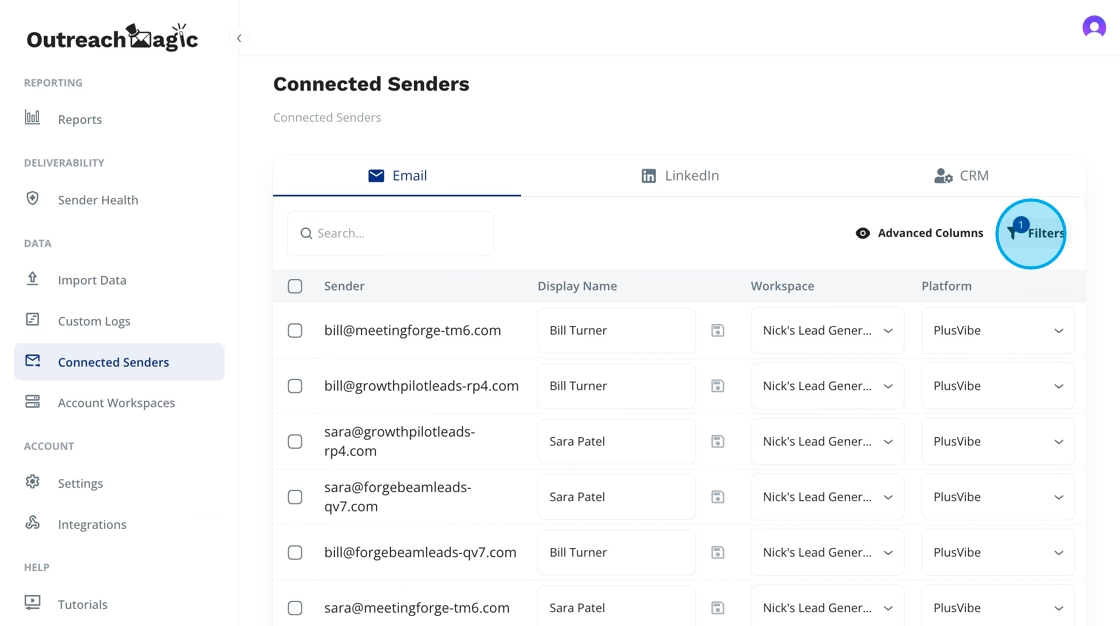
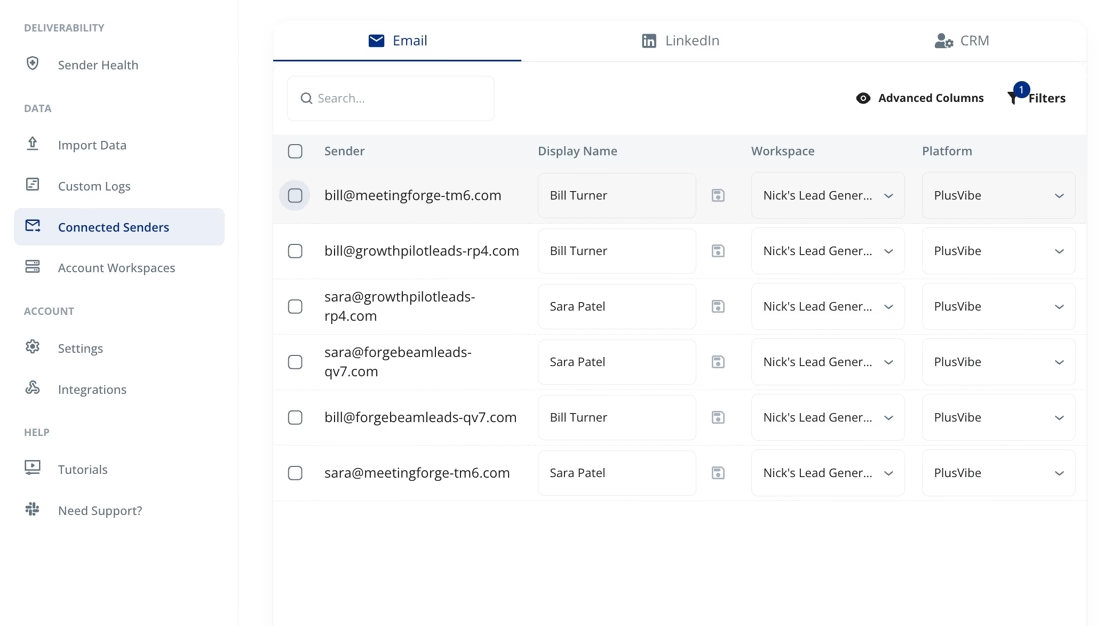
Sender accounts represent the identities sending your outbound emails or LinkedIn DMs. Accurate sender records ensure clean analytics, correct workspace assignment, and high-fidelity Deliverability Reports.

You may send one sender or many senders in a batch.

Endpoint & Headers

POST https://api.outreachmagic.io/v1/senders

Headers

  • x-api-key: {{YOUR_API_KEY}}

  • content-type: application/json

What This Call Does

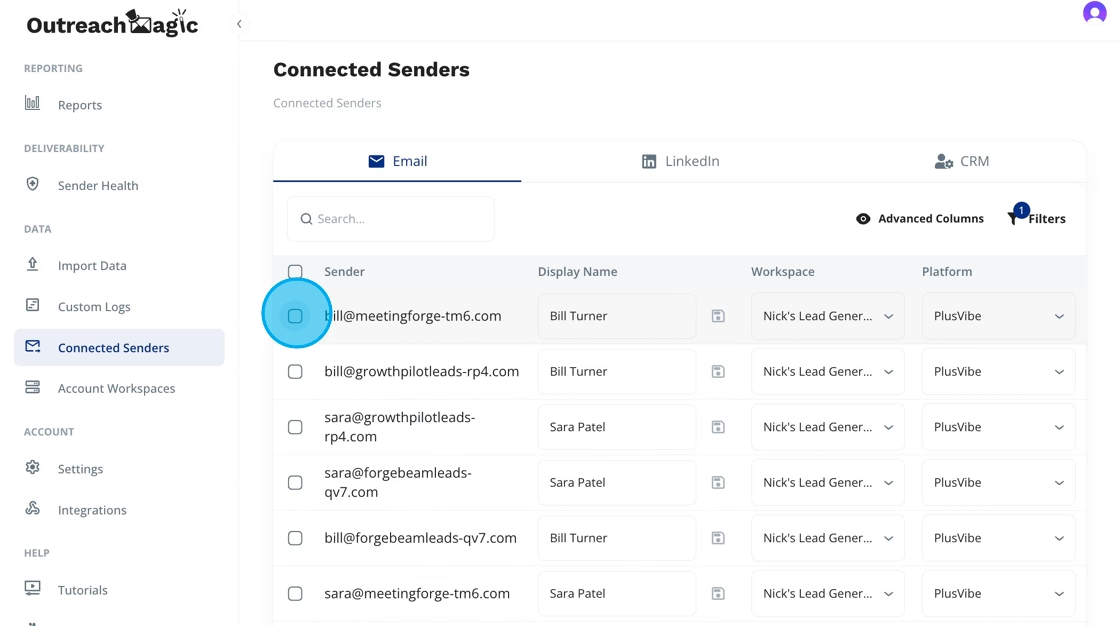
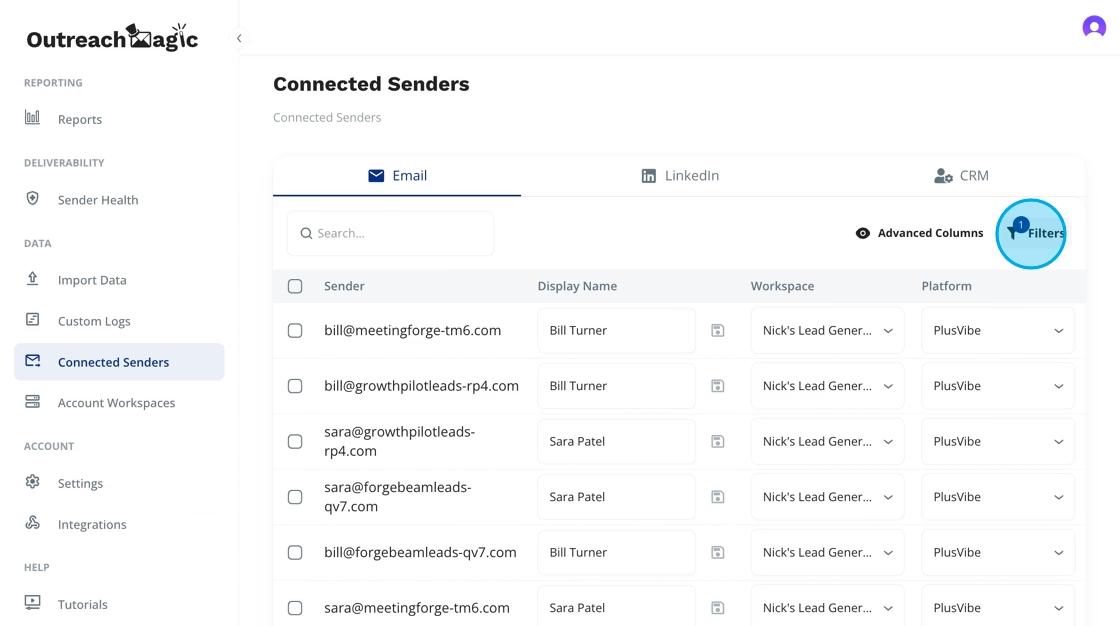
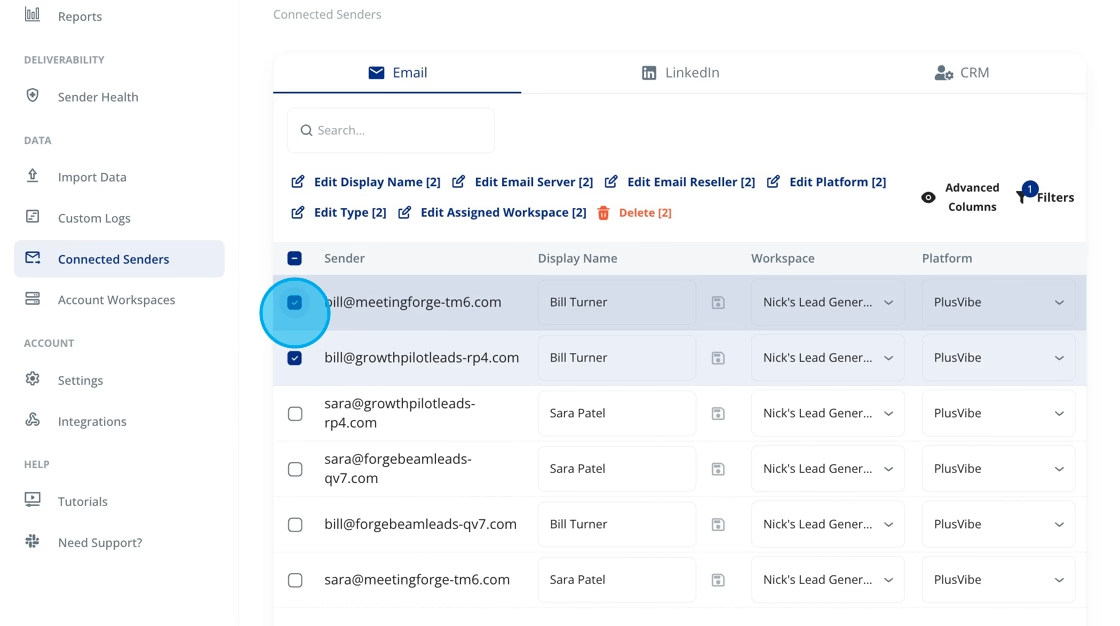
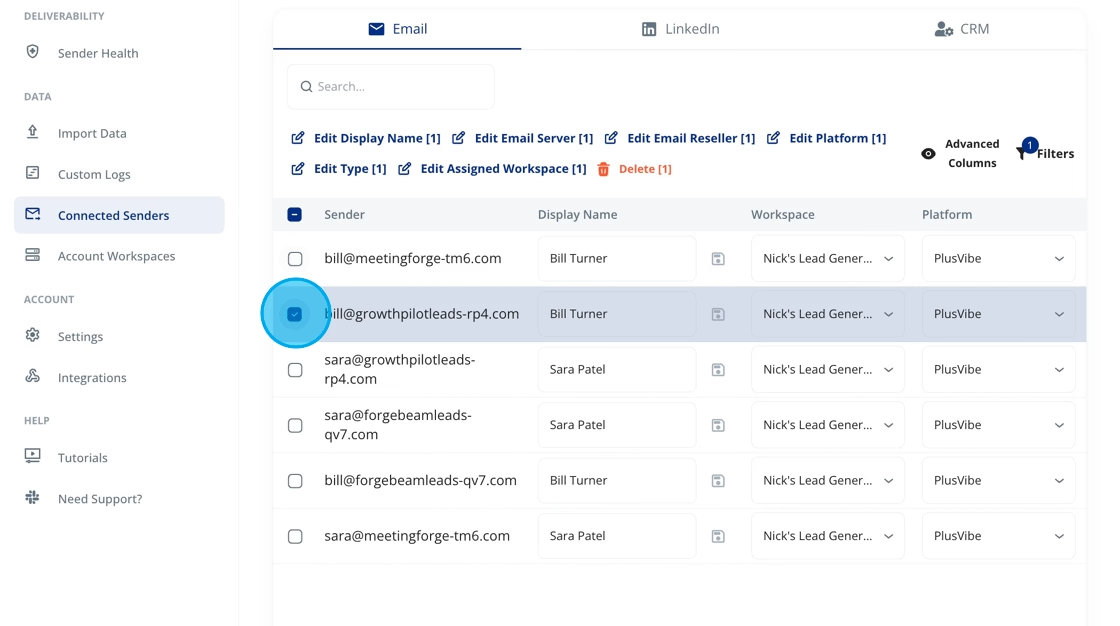
This endpoint creates or updates a Sender Account inside Outreach Magic.

A sender can be:

  • An email address (handled as an email sender)

  • A LinkedIn profile URL (handled as a LinkedIn sender)

  • A sender synced from your automation platform

  • A sender added via CRM or custom backend

Each sender can include metadata such as:

  • sender_name

  • email_server (Google, Outreach, private SMTP, etc.)

  • email_reseller (cheap inboxes, premium inboxes, zapmail, etc.)

  • workspace_id

  • type (“email” or “linkedin”)

  • platform (smartlead, instantly, plusvibe, heyreach, etc.)

If the sender already exists → it is updated If not → it is created

Why Sender Metadata Is Critical for Deliverability
(This information directly powers your Deliverability Report)

Outreach Magic uses sender metadata to analyze deliverability patterns, sending infrastructure quality, and inbox reputation signals across your entire outbound system.

Providing correct metadata allows Outreach Magic to:

1. Analyze deliverability at the sender-level

See which senders:

  • land in inbox

  • get filtered to spam

  • have degraded reputation

  • cause domain-level issues

2. Detect patterns tied to inbox providers & resellers

Metadata helps identify:

  • cheap inboxes performing poorly

  • premium inboxes having stronger deliverability

  • zapmail or reseller inboxes being filtered

  • problem inboxes across campaigns

3. Diagnose server-level issues

Knowing the server type helps detect:

  • Google throttling

  • Outreach SMTP blocking

  • private SMTP spam filtering

  • warmup-related shadowbans

4. Improve bounce categorization & routing

Accurate metadata enables:

  • better bounce classification

  • ISP-specific detection

  • infrastructure-level trend mapping

5. Generate more accurate Deliverability Reports

Sender metadata powers:

  • detailed reputation scoring

  • workspace-level reporting

  • domain vs. inbox comparison

  • platform-level tracking

  • IP/domain health analysis

The cleaner your sender metadata, the more accurate your deliverability insights become.

Minimal Request
{
  "sender": "[email protected]"
}

If workspace_id is not provided, the sender is placed into Unassigned Senders automatically.

Recommended Request (With Workspace)
{
  "sender": "[email protected]",
  "workspace_id": "68eb4080934e8e34e771819c"
}
Full Example – All Fields
{
  "sender": "[email protected]",
  "sender_name": "Spencer McMurtry",
  "workspace_id": "68eb4080934e8e34e771819c",
  "type": "linkedin",
  "email_server": "google",
  "email_reseller": "premium_inboxes",
  "platform": "plusvibe"
}
Accepted Values
Email Reseller Options (Inbox Quality Classification)

Use these to classify inboxes for deliverability analysis.

  • cheap_inboxes

  • premium_inboxes

  • zapmail

  • ci_aged

  • Custom values supported

Email Server Options (Infrastructure Classification)
  • google

  • outreach

  • private_smtp

  • zoho (optional)

  • microsoft (optional)

  • Custom values supported

Sender Type
  • "email" (default)

  • "linkedin"

Platform (Optional)

Examples:

  • smartlead

  • instantly

  • plusvibe

  • heyreach

  • apollo

  • outreach

  • custom

Field Reference

Field

Required

Description

sender

Email address OR LinkedIn profile URL

sender_name

optional

Human-readable name

workspace_id

optional

Defaults to Unassigned Senders

type

optional

"email" or "linkedin"

email_server

optional

e.g. google, outreach, private_smtp

email_reseller

optional

e.g. premium_inboxes, zapmail

platform

optional

Source system (SmartLead, Instantly, etc.)

Behavior & Matching Logic
Matching
  • If value includes @ → email sender

  • If value starts with http → LinkedIn sender

  • Duplicate sender = updated sender

Workspace Logic
  • Provided workspace_id → sender assigned there

  • No workspace_id → sender goes to Unassigned Senders

Record Creation Rules
  • Existing sender → updated

  • New sender → created

Success Responses

Whether you send one or many, Outreach Magic returns a structured summary of created/updated items.

Success (Single or Batch)
{
    "breakdown": {
        "created": 0,
        "total": 1,
        "updated": 1
    },
    "errors": {
        "count": 0,
        "details": []
    },
    "success": 1,
    "total": 1
}
Response Field Explanation

Field

Meaning

breakdown.created

Number of new senders created

breakdown.updated

Number of existing senders updated

breakdown.total

Total senders processed

success

Number of successful operations

total

Total items submitted

errors.count

How many items failed

errors.details

Error details (indexed by item)

Error Responses
Invalid API Key
{
  "error": "Invalid API key provided"
}
Missing sender
{
  "error": "sender field is required"
}
cURL Example (Full Metadata)
curl -X POST "https://api.outreachmagic.io/v1/senders" \
  -H "x-api-key: {{YOUR_API_KEY}}" \
  -H "content-type: application/json" \
  -d '{
    "sender": "[email protected]",
    "sender_name": "Spencer McMurtry",
    "workspace_id": "68eb4080934e8e34e771819c",
    "type": "email",
    "email_server": "outreach",
    "email_reseller": "cheap_inboxes",
    "platform": "instantly"
  }'
Use Cases (Great for Clay, n8n, Make.com, Zapier, CRMs)
✔ Syncing senders from cold email platforms

SmartLead, Instantly, PlusVibe, HeyReach, Apollo, Lemlist.

✔ Mapping LinkedIn senders for DM automation

HeyReach, Expandi, We-Connect, Dripify, MeetAlfred.

✔ Assigning senders to correct client workspaces

For agencies managing multi-client outbound.

✔ Classifying inbox quality for deliverability scoring

cheap inboxes vs. premium inboxes vs. aged inboxes.

✔ Updating server info for better deliverability diagnostics

google vs outreach vs private SMTP.

✔ Automating sender sync pipelines

Clay → Outreach Magic → CRM n8n / Make → Outreach Magic → Data Warehouse

FAQ
Does this metadata improve deliverability reporting?

Yes — sender metadata powers nearly all deliverability diagnostics & ISP-level insights.

Can I send LinkedIn URLs?

Yes — simply provide a LinkedIn profile link.

What if workspace_id isn’t provided?

Sender is stored in Unassigned Senders automatically.

Can I send multiple senders at once?

Yes — simply POST an array of sender objects.

What happens if I send a sender twice?

It updates the existing sender with the new metadata.